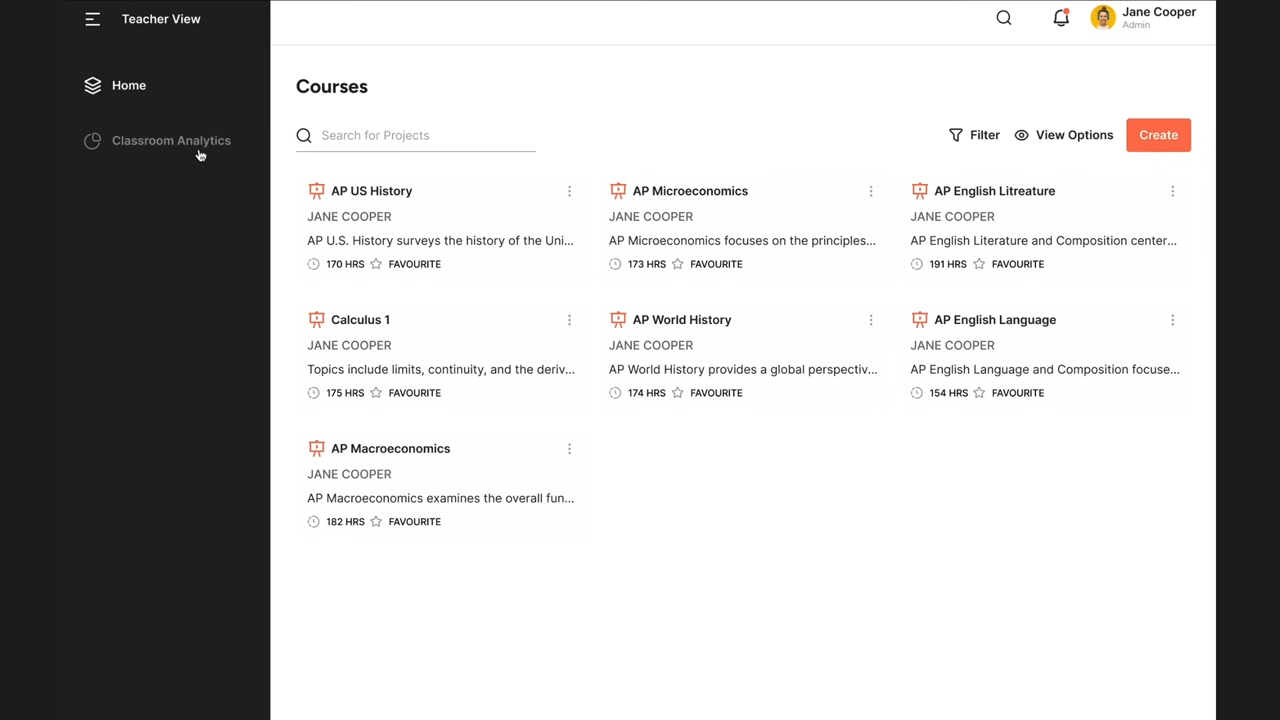
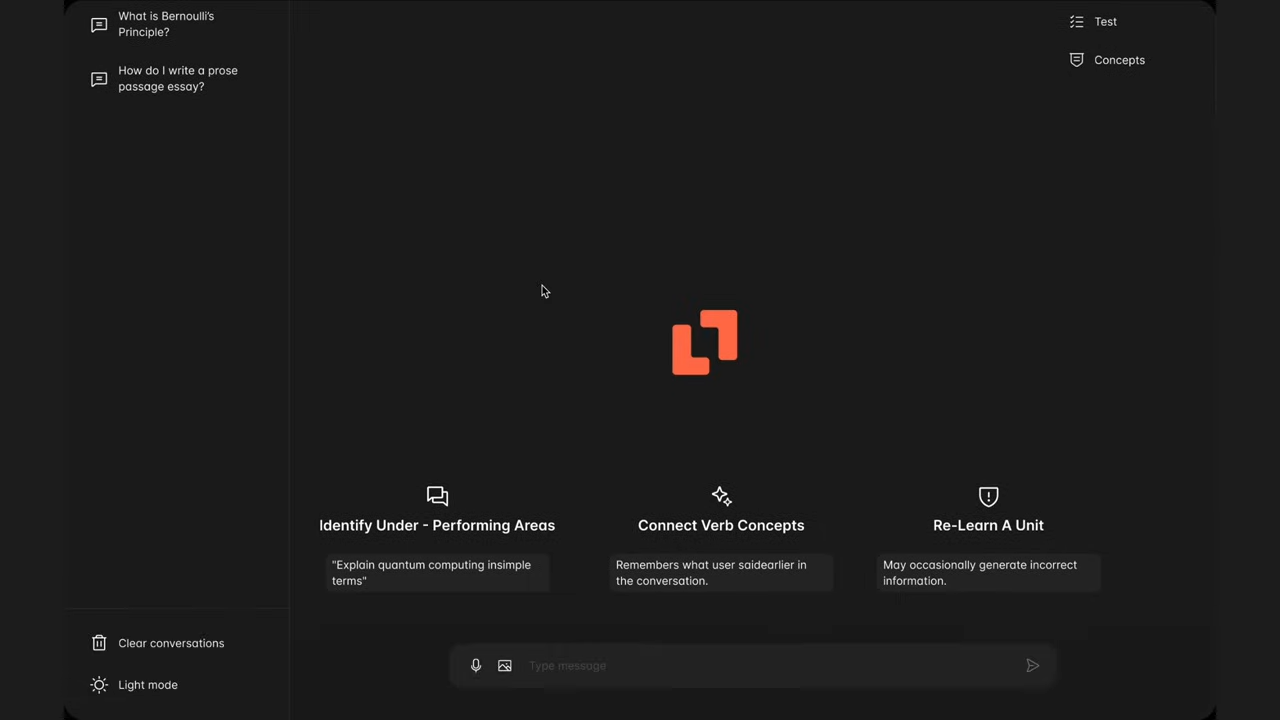
Mentora’s interface is built to be intuitive, teacher-driven, and student-friendly. Both educators and learners can interact seamlessly with the platform, making it easy to create, assign, and learn from AI-powered modules.
Teacher’s View
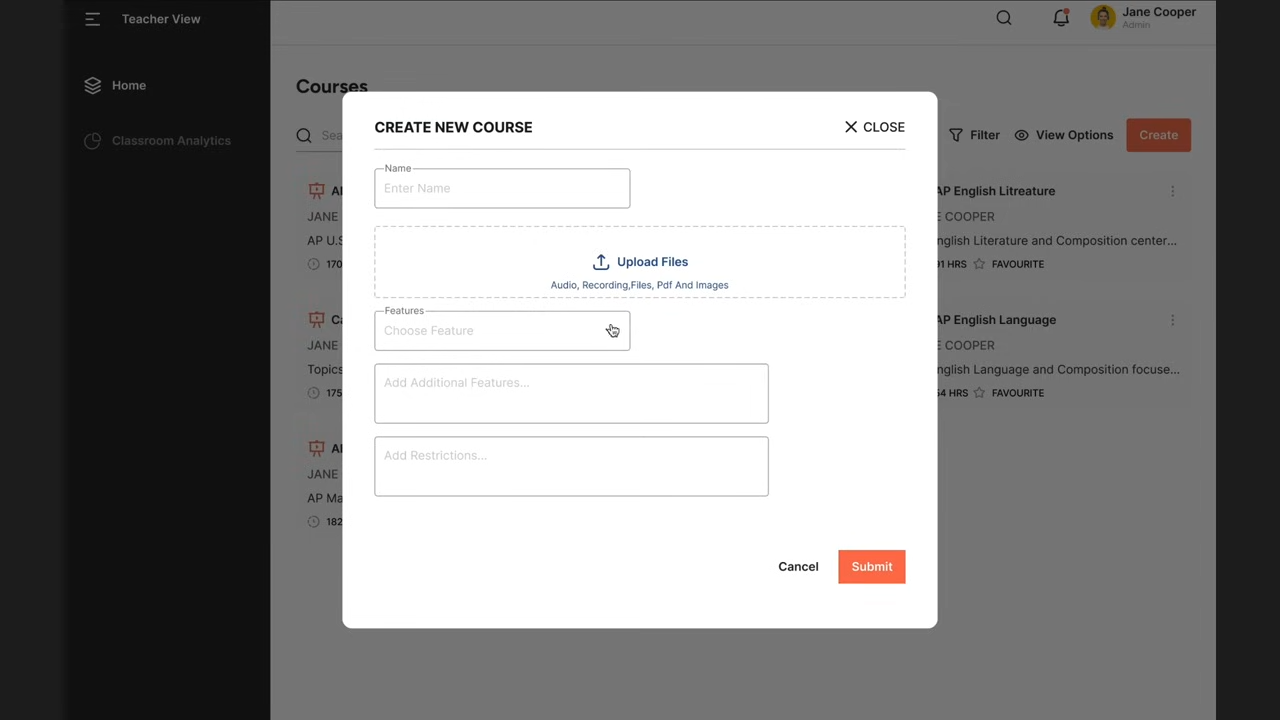
Create AI Modules – Teachers upload their own lessons, slides, textbooks, and readings.
Classroom Control – Generate secure class codes to invite students.
Customization – Update modules anytime to match teaching style and class needs.
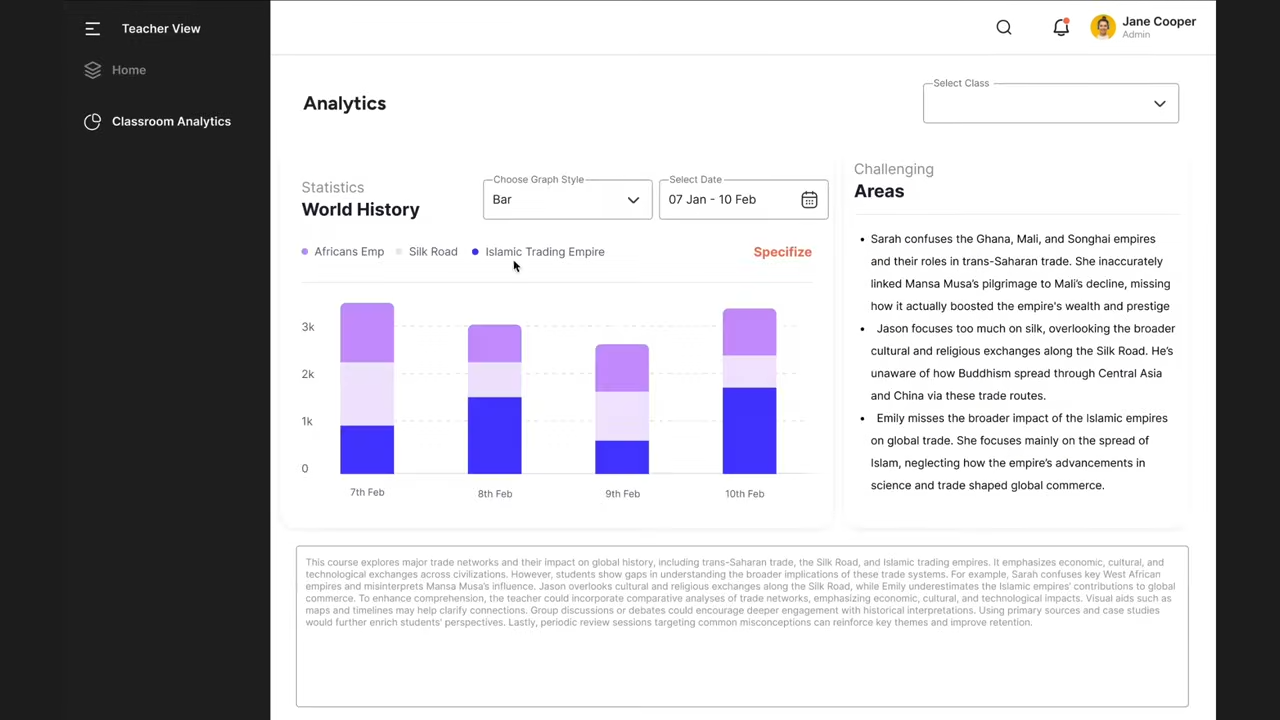
Analytics Dashboard – View detailed insights into student performance, including areas of struggle and growth.
Click to view full screen
Student’s View
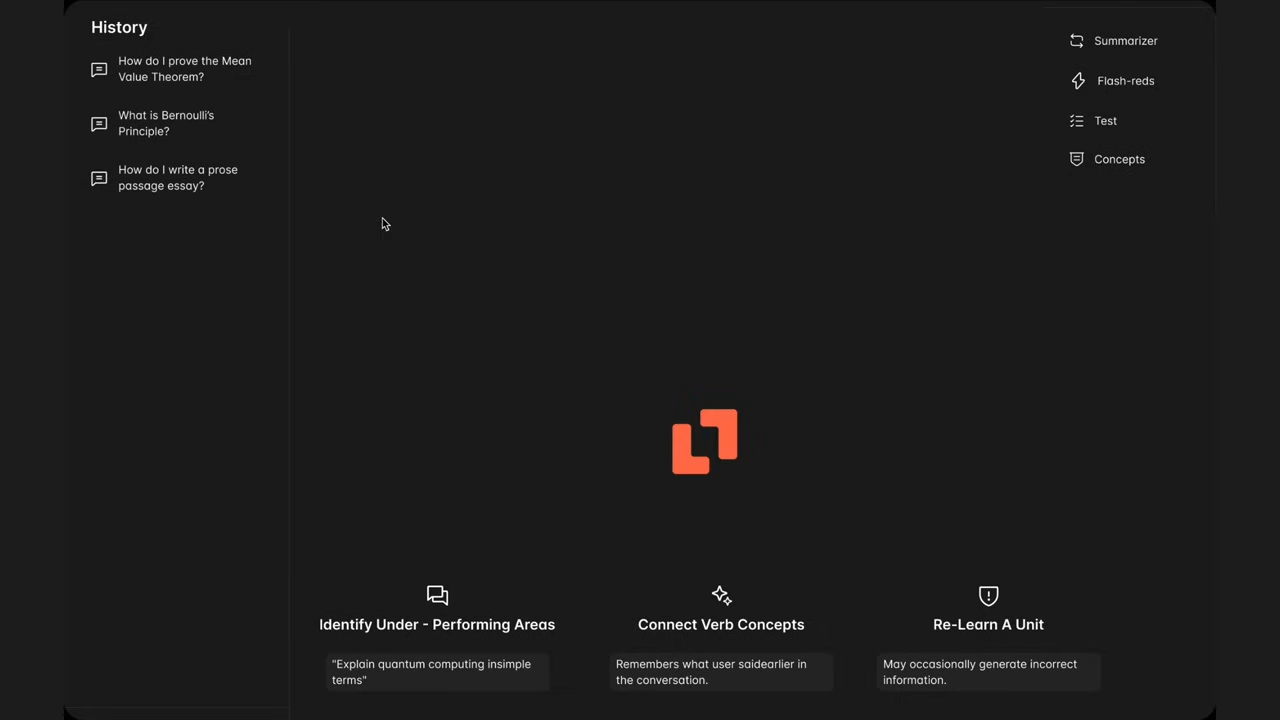
One-on-One Chat – Students interact with AI like they would with a teacher after class.
Teacher-Approved Content – All answers come only from verified class materials.
Personalized Learning – Adaptive responses highlight key topics and provide practice guidance.